
How to Set Up Online Youth Sports Registration (Step-by-Step)
Registration season is make-or-break for a youth league. Do it well and families sign up in five minutes from their phone, waivers are signed, and payments land automatically. Do it badly and you spend weeks chasing forms, fixing duplicate athletes, and reconciling checks. This step-by-step guide shows you how to set up youth sports online registration that collects the right information, the money, and the paperwork — all at once — while cutting your admin work.
Why move registration online
Paper and email registration scatters your data across inboxes and folders. Online registration pulls everything into one place: the athlete's details, the signed waiver, the parental consent, and the payment, captured in a single flow. The payoff is fewer errors, faster rosters, and volunteers who get their weekends back.
Before you build anything, get clear on three things:
- Who is registering — the programs, seasons, and age groups you're opening.
- What you must collect — required fields, waivers, and consents.
- How families pay — up front, in installments, or a mix.
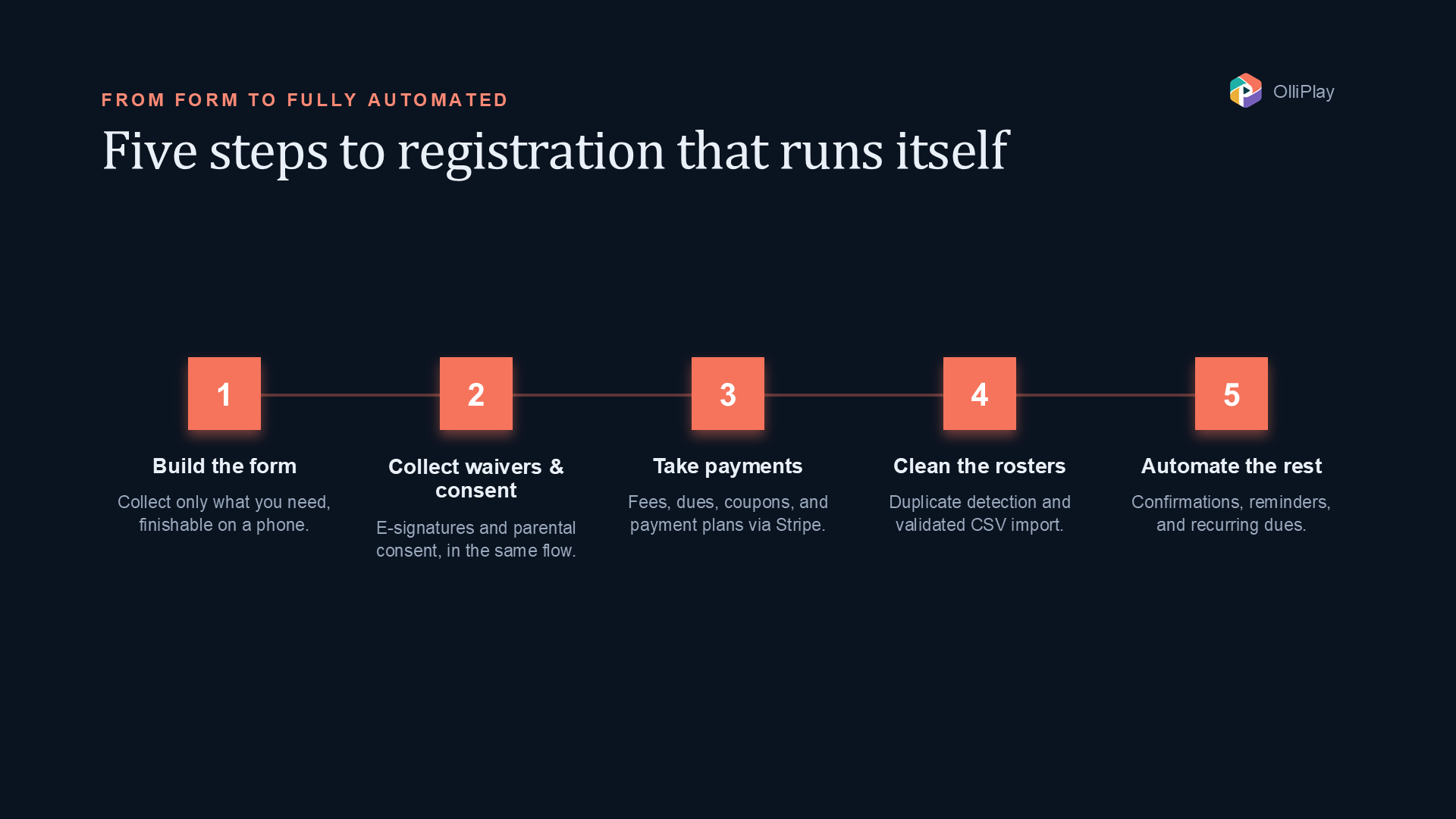
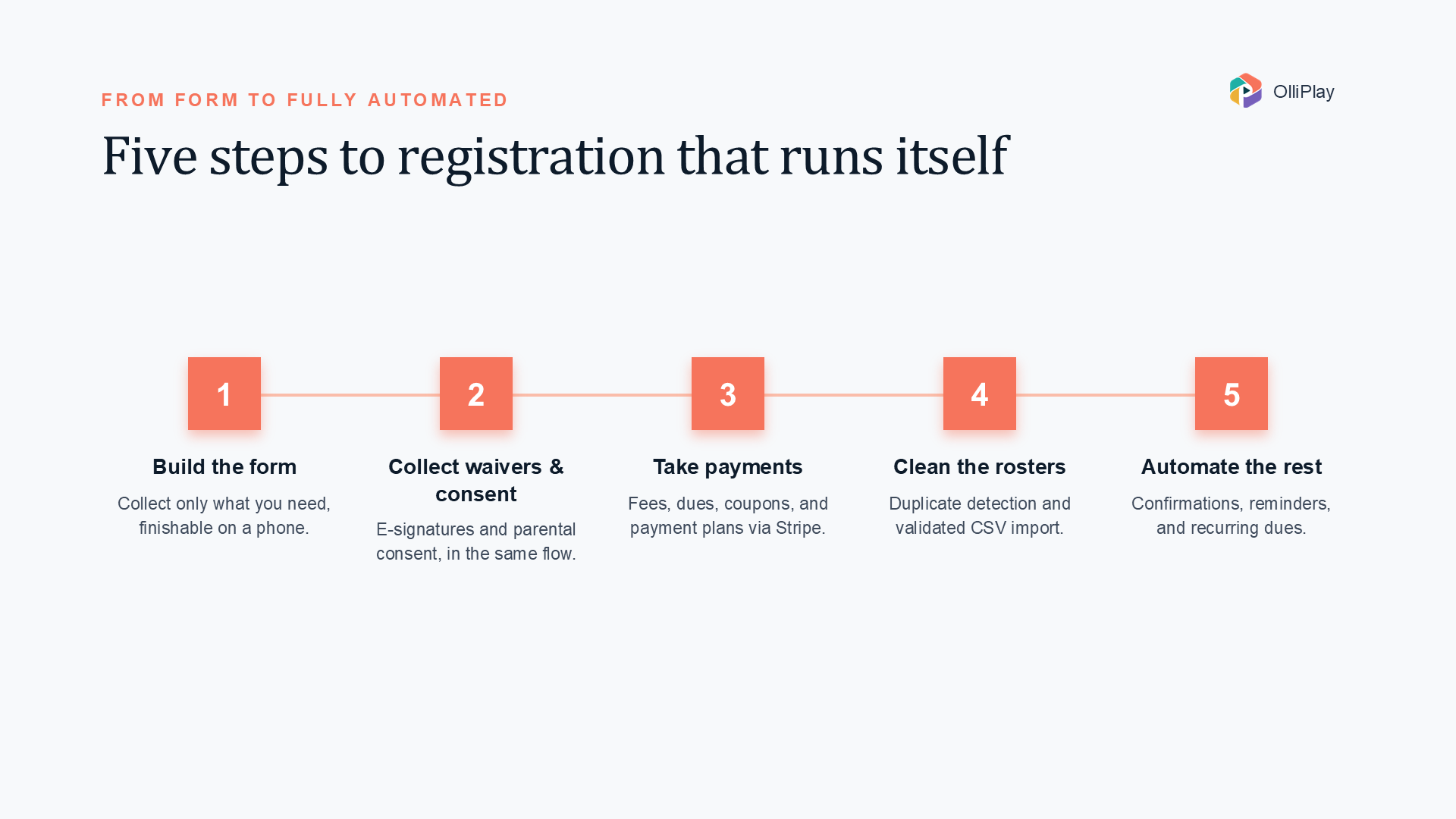
Step 1: Build the registration form
Your form is the front door. Keep it short enough that a parent can finish it on a phone, but complete enough that you don't have to follow up.
Collect only what you need:
- Athlete name, date of birth, and age group or division
- Parent/guardian name and contact details
- Emergency contact and relevant medical notes
- Program and season selection
- Waiver acknowledgment and required consents
- Payment
A few field-design tips:
- Mark required fields clearly and keep optional ones truly optional.
- Use date of birth, not just age, so divisions calculate correctly and stay accurate all season.
- Add an approval step if your league reviews registrations before a spot is confirmed — helpful for tryout-based teams or capacity-limited programs.
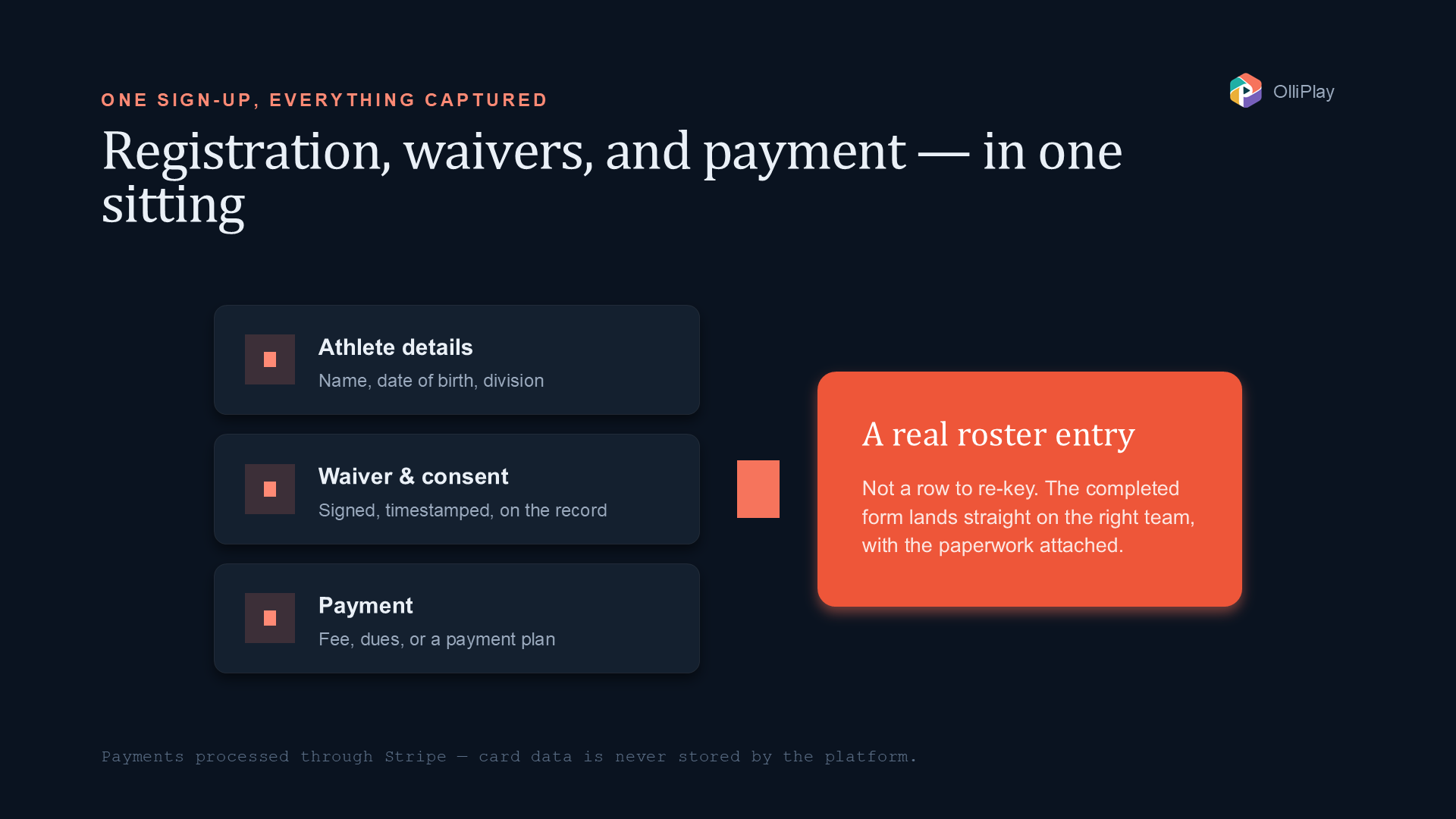
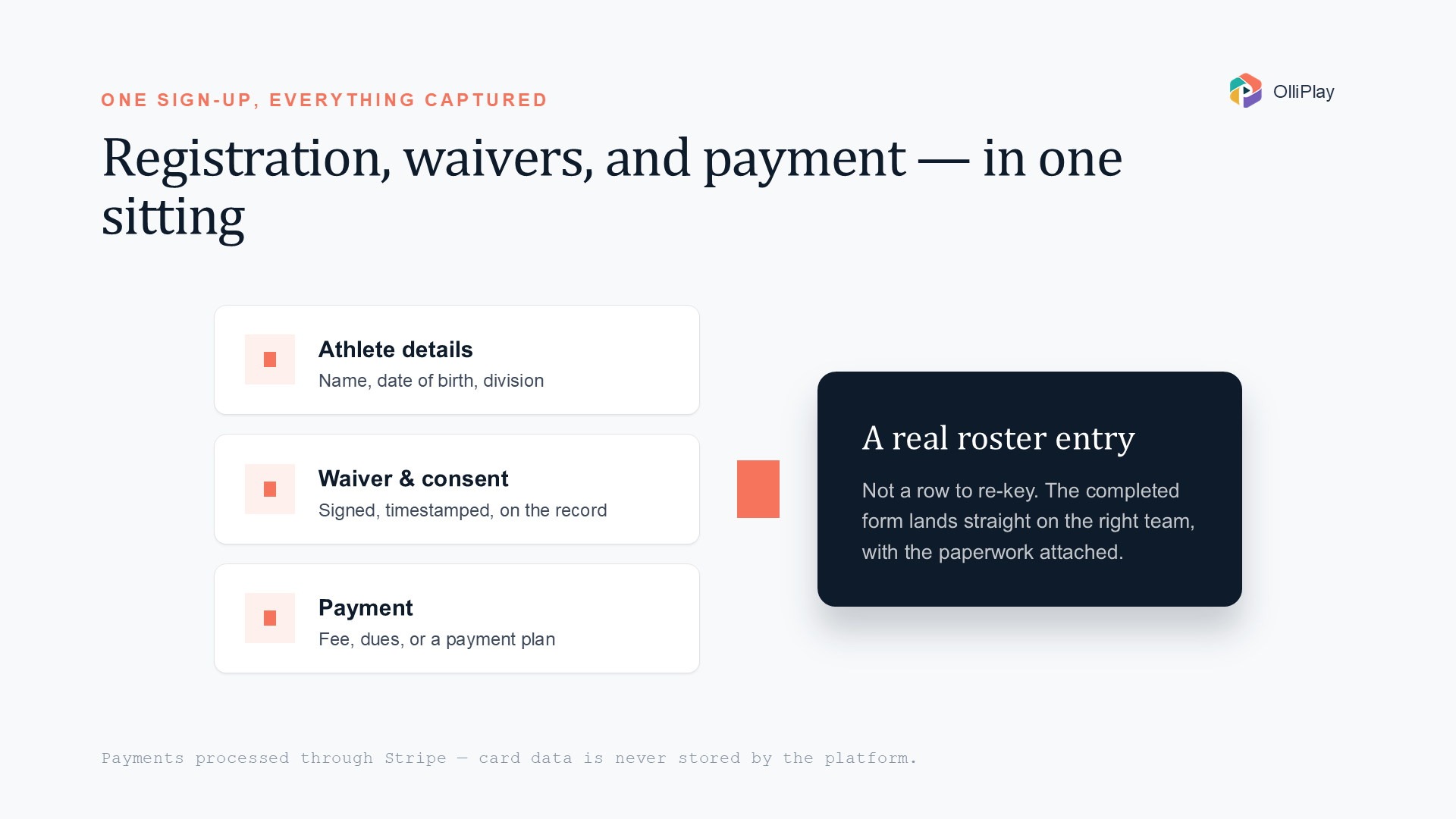
In OlliPlay, registration is tied directly to your programs, seasons, teams, and rosters, with built-in approval workflows — so a completed form becomes a real roster entry instead of a row you have to re-key.
Step 2: Collect waivers and consent
For youth sports, the waiver and consent step isn't optional paperwork — it's a legal and safety requirement. Handle it inside the same flow so nothing gets skipped.
What to capture:
- Liability waiver with an e-signature and a timestamp
- Parental consent for participation, and where relevant, medical treatment, photo/video, or travel
- A record of who signed, when, and from where for your audit trail
The advantage of collecting consent digitally is that it's stored, searchable, and time-stamped — no more wondering whether a family ever returned the form. OlliPlay's compliance features capture waivers and e-signatures and parental consent as part of registration, and are designed with COPPA and FERPA in mind since you're handling minors' data.
Step 3: Take payments (and offer payment plans)
Payment is where online registration truly saves you time. Instead of chasing checks, the money is collected when the family signs up.
Set up your pricing to include:
- One-time registration fees per program or season
- Recurring dues or subscriptions for ongoing programs
- Coupons or discount codes for early birds, siblings, or scholarships
- Payment plans / installments so cost isn't a barrier for families
A note on payment plans: breaking a season fee into monthly installments dramatically lowers the barrier for families on a budget — very much in the spirit of a community or faith-based league. Recurring dues handle this cleanly by charging the same card on a schedule.
Two things to insist on for security:
- Use a trusted processor. OlliPlay processes payments through Stripe, which means OlliPlay never stores card data and you stay PCI compliant by default.
- Automate reconciliation. When payments and registrations live in the same system, your treasurer isn't matching bank deposits to a spreadsheet by hand.
Step 4: Handle rosters and duplicates
Once registrations flow in, the next challenge is keeping your data clean. The two biggest culprits are duplicate athletes (the same kid entered twice, or under a nickname) and messy imports from last year's spreadsheet.
Keep rosters clean by:
- Detecting duplicates before they're created — matching on name, date of birth, and contact details so you don't end up with "Sam" and "Samuel" as two players.
- Importing existing records via CSV when you're migrating from spreadsheets, with a dry-run to validate before you commit.
- Reviewing per-row errors on import instead of discovering problems mid-season.
- Linking family members so siblings and guardians connect to the right athletes.
OlliPlay supports CSV import with validation and duplicate detection, so moving off spreadsheets is safe and repeatable rather than a one-shot gamble. That means your first season on the platform starts with clean rosters instead of inherited mess.
Step 5: Reduce admin work with automation
The whole point of online registration is to stop doing by hand what software can do for you. Once your form is live, lean on automation:
- Confirmation and reminder messages sent automatically over email, SMS, WhatsApp, or in-app chat
- Consent management so you only message families who've opted in
- Automated dues that recharge on schedule without manual invoicing
- Approval notifications so coaches and directors know when a registration needs review
The result is a registration season that mostly runs itself, freeing your volunteers to focus on players and families rather than paperwork.
Quick launch checklist
Before you open registration to families, confirm:
- Programs, seasons, and age groups are set up
- The form collects only what you need, with clear required fields
- Waiver and consent capture is part of the flow, with e-signatures
- Pricing includes fees, dues, coupons, and a payment-plan option
- Payments run through a PCI-compliant processor (no stored card data)
- Duplicate detection is on and any spreadsheet import is validated
- Confirmation and reminder messages are configured
- You've tested the full flow yourself, end to end
Bringing it together
Good online registration isn't just a form — it's registration, waivers, payments, and clean rosters working as one flow. OlliPlay is an example of a platform built to do exactly that for youth sports organizations, community and faith-based leagues, and Christian schools, with transparent pricing and no per-family fees.
Frequently asked questions
How long does it take to set up online registration? If your programs and pricing are already defined, you can often build a registration form, attach waivers, and connect payments in an afternoon. The bigger time saver is ongoing: automation handles confirmations, reminders, and recurring dues so each season runs itself.
Can parents pay in installments? Yes. Offer recurring dues or a payment plan so a season fee can be split into monthly charges. This lowers the barrier for families on a budget while your league still collects reliably. OlliPlay supports recurring subscriptions and dues through Stripe.
How do I avoid duplicate athletes when importing old data? Use a platform with duplicate detection and a validated CSV import. OlliPlay checks for matches on name, date of birth, and contact details and runs a dry-run before committing, so your rosters start clean.
Want registration, payments, and compliance in one place? Join OlliPlay — full access from day one, no per-family fees — or reach out at sales (at) olliplay.com.